Site Activity Report
-
You can only download this icon from your mobile device. Click here to email yourself the link to this page. When opening this link from your mobile device, it will prompt you to download it!
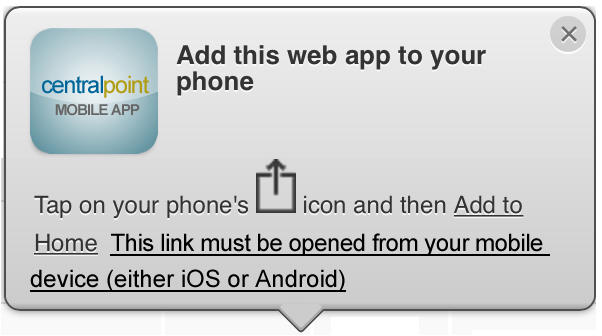
This mobile icon demonstrates how you can access all results from a single button from your mobile phone. Each Mobile Icon can be presented to users based on their 'Role'. This means that their role will filter the results of the shortcut they download, allowing them only to see the data from their phone. This Mobile Icon can be made available to all of your employees or only some employees, so that everyone can download the same icon, but yet each will see different information, based on the roles filtration of the report. This record is managed within the Client Console, under Content, within the module known as Mobile Icons. In this way, your users need not log in to access critical information, and it is a single click away on their mobile device.
This mobile icon demonstrates how you can access all results from a single button from your mobile phone. Each Mobile Icon can be presented to users based on their 'Role'. This means that their role will filter the results of the shortcut they download, allowing them only to see the data from their phone. This Mobile Icon can be made available to all of your employees or only some employees, so that everyone can download the same icon, but yet each will see different information, based on the roles filtration of the report. This record is managed within the Client Console, under Content, within the module known as Mobile Icons. In this way, your users need not log in to access critical information, and it is a single click away on their mobile device.